SDEV-2150 | Assignment 1 FAQ
Here are some of my takes on Assigment 1 and the common questions you might have.
Using Bootstrap in the Components
Section titled “Using Bootstrap in the Components”Styling the assignment’s components is a secondary consideration compared to the functional requirements of each component. As such, I’m quite satisfied with just putting a <link ...> in the top of your component templates’ .innerHTML, like we did with Lesson 2.
If you’re interested in other approaches to styling your custom elements, particularly with 3rd-party stylesheets, see the note on Custom Elements and Stylesheets.
Bootstrap, as a CSS library, is very prescriptive and opinionated in terms of how it shapes the HTML to make its CSS “work”. Other frameworks, like Tailwind, allow you to let your HTML remain “King” of the content (instead of just a “puppet-king”).
That being said - when you are exploring Bootstrap for examples, don’t just blind copy-paste. Put a little bit of thought into what you need for this assignment and try to stay in-scope of the requirements. Venturing into “how to make this look good” can burn up a lot of time you might not have to complete the assignment.!
Can I use the Light DOM?
Section titled “Can I use the Light DOM?”No. The lab is explicitly asking for you to use the Shadow DOM. I can hear you say, “But …” The answer is still no.
API Calls
Section titled “API Calls”You are allowed to change the signature of the API functions by removing the async keyword (see the following example). This is permissable/advisable if you are returning the promised fetch results directly instead of using await. Either way, you must do the parsing of JSON responses within this layer. Additionally, if your API function requires additional information (quite likely for a few of the functions), you are permitted/expected to add appropriate parameters to the function signature.
export const createCareLogEntry = async () => {export const createCareLogEntry = () => { throw new Error('TODO: implement createCareLogEntry');};Using the .env File
Section titled “Using the .env File”Note that the .env file should be placed under the app/src/ folder in order to be picked up by the running project. This is because the package.json has the dev script as "dev": "vite serve src".
Backend “Endpoint Not Found”
Section titled “Backend “Endpoint Not Found””When spinning up the backend, if you navigate to http://localhost:3000 you will see “Error: endpoint not found”. That’s because the host URL is, itself, not a valid endpoint.
| Host URL only | URL with Endpoint |
|---|---|
http://localhost:3000 | http://localhost:3000/images/pet-1-mochi.jpg |
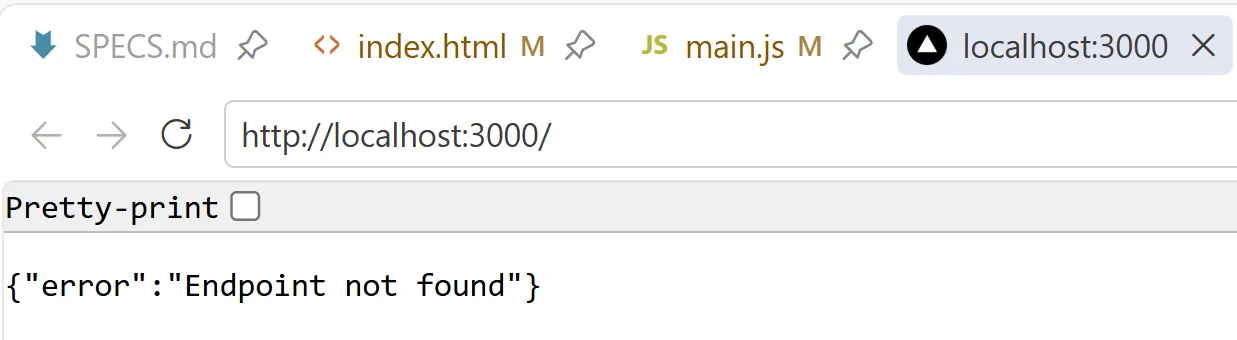 | 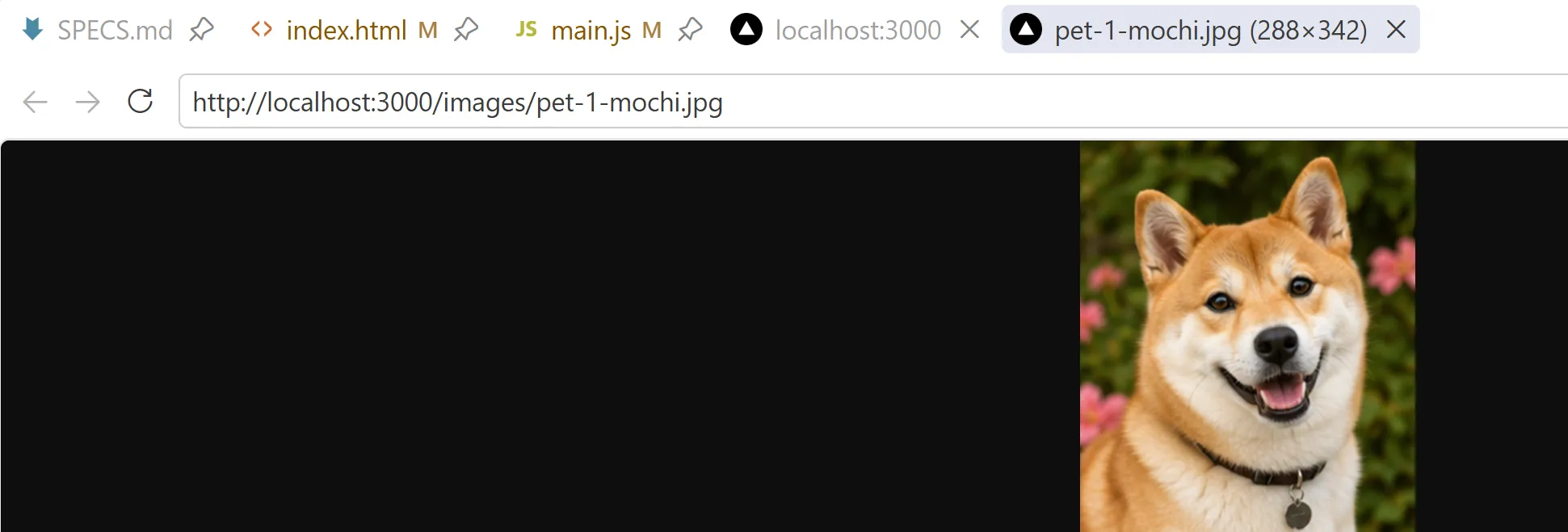 |
Read through all the documentation for the backend\README.md to discover the valid endpoints for the assignment.
JSDoc Is Your Friend
Section titled “JSDoc Is Your Friend”I strongly encourage you to set up some JSDoc comments for your API endpoints file. You will get more useful intellisense out of VS Code if you do. It’s a little bit more up-front work, but it can be worth it!
Rubrics
Section titled “Rubrics”The Rubrics for the lab are posted on Brightspace. I’ve also compiled a markdown file if you want to create your own RUBRICS.md in your repo.
# Rubrics
> Automated tests are **not counted** in evaluating your assignment. Assignments will be evaluated based on code review, commit history, and a manual execution of your submission. Alternate test data may be used in the manual evaluation.
## Evaluation Criteria (20 Marks Total)
**NOTE: You must demonstrate incremental development of your solution. This means that you must begin work on your solution as soon as possible and commit often to the assignment repository. Each commit must demonstrate functional improvements to the solution. Failure to show incremental work during the assignment period will result in loss of marks of up to 20%.**
**Additionally, you are encouraged to use external resources to help you learn what is needed for the assignment. However, if you submit code that differs greatly from what was demonstrated in class it must be documented (e.g. comments, citations, etc.) and you may be asked to provide a verbal explanation of how the code works to your instructor. Failure to explain any code you submitted will be considered as potential evidence of academic misconduct and may trigger an investigation, potentially resulting in further consequences.**
| Category | Marks | Description || --- | --- | --- || Functional Completeness <sup>†</sup> | 5 | Pet list, pet selection, tasks view, and task completion work end to end || Web Components + Events | 5 | Custom elements + Shadow DOM + custom events are used correctly || Async + Error Handling | 3 | Loading/error/empty states are clear and correct || UI, Accessibility, Styling | 2 | Readable, accessible UI basics || Code Quality <sup>†</sup> | 1 | Reasonable structure and separation of concerns || Reflection | 4 | Clear, thoughtful answers in README |
> **NOTE:** see attached rubric on Brightspace for more details on criterion scoring.>> **†** - Functional Completeness and Code Quality are combined in the Brightspace Rubric
## Testing and Feedback
Follow directions in TESTS.md.
## Reflection Prompt (for README)
Add a section to your README that answers:
-   Which Web Component in your solution owns the most important piece of state? Identify the state value, where it changes, and one UI behaviour that would break if that state were stored somewhere else.-   Describe one bug or unexpected behaviour you encountered while connecting two components with custom events. What event was involved, what was the symptom, and what exact change fixed it?-   Choose one loading, empty, or error state from your app. What backend response or user action triggers it, and what specific text or markup does your component render in that case?